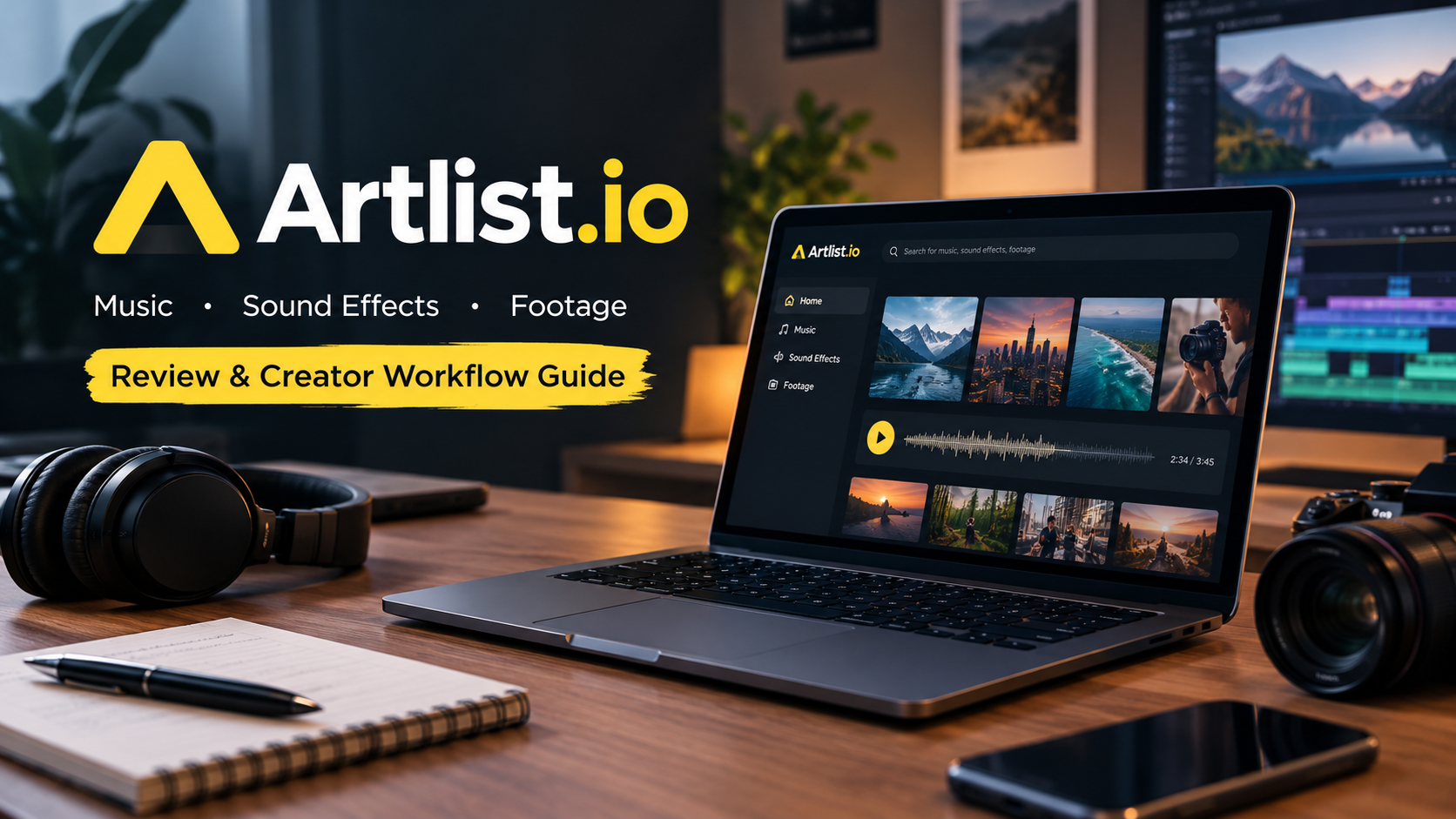
Every video editor knows the frustration of the final hurdle. The timeline is perfectly cut, the color grading is dialed in, and the pacing is tight. But the video feels lifeless because it lacks the right soundtrack. So begins the hours-long process of scouring free music libraries, dodging copyright claims, and settling for a song that is just “good enough.”
For modern content creators, filmmakers, and marketing teams, time is the most valuable asset. Artlist.io was designed specifically to eliminate this bottleneck. By bundling high-quality music, cinematic sound effects, stock footage, and digital templates into a single subscription, it attempts to be the ultimate creative toolkit.
But how does it actually hold up in a real-world production environment? Instead of just listing features, this guide walks through a realistic creator workflow to see how Artlist performs from pre-production to the final render in 2026.
Phase 1: Pre-Production and Asset Discovery
The success of any subscription library depends on how quickly you can find what you are looking for. Artlist has built its reputation on an incredibly intuitive search engine that understands the emotional context of filmmaking.
Navigating Music and Sound Effects
When you sit down to score a video, you rarely know the exact genre you need; you know the feeling you want to convey. Artlist allows creators to filter music by Mood (e.g., Uplifting, Tension, Playful), Video Theme (e.g., Travel, Corporate, Vlogs), and Instrument. The platform also offers a feature where you can find similar songs to a reference track, drastically cutting down search time.
The sound effects (SFX) library is equally robust. From cinematic whooshes and impacts for aggressive transitions to ambient foley (like cafe background noise or forest winds), the SFX library elevates a flat video into an immersive experience.
Expanding the Canvas: Footage and Templates
While Artlist started as a music platform, it has expanded aggressively into visual assets (incorporating the former Artgrid platform). For marketing agencies or YouTubers needing B-roll, the footage library provides up to 8K resolution clips shot by industry professionals. Furthermore, the video templates for Premiere Pro, DaVinci Resolve, and Final Cut Pro allow editors to drop in slick motion graphics, lower thirds, and intro sequences without needing a degree in After Effects.

Phase 2: Integrating AI into the Edit
In 2026, a creative platform cannot survive without artificial intelligence, and Artlist has integrated AI practically to speed up the editing workflow rather than replace the editor.
AI Search and Voiceover Tools
Artlist’s AI search engine now allows users to describe their scene in natural language (e.g., “A fast-paced electronic track for a night-time car commercial”) and receive highly accurate audio recommendations. Additionally, the platform has introduced AI Voiceover tools. Creators can generate high-quality, natural-sounding voiceovers directly within the platform by typing their script and selecting a digital voice actor. This is incredibly useful for corporate explainers, faceless YouTube channels, or temporary scratch-tracks during the rough cut phase.
Furthermore, AI-driven stems separation is becoming a highly requested feature in modern workflows. While traditionally you had to accept a track as it was mixed, modern tools allow creators to isolate the drums, remove the vocals, or boost the bass of a track directly. Artlist’s continuous integration of smart audio processing means that if a track is almost perfect but the vocals distract from your dialogue, you have the flexibility to mold the asset to fit your exact timeline requirements without needing a dedicated audio engineer.
Phase 3: The Universal License Explained
Perhaps the biggest selling point of Artlist is its licensing model, which has historically set the gold standard for the industry. However, creators must understand exactly how it works to avoid YouTube copyright strikes.
The “Use it Forever” Rule
Artlist operates on a universal license. This means that if you download a track and use it in a video published while your subscription is active, that video is cleared forever. Even if you cancel your Artlist subscription three years from now, your old videos will never receive a copyright claim. However, you cannot cancel your subscription and use previously downloaded tracks in new projects.
Personal vs. Client Work
The license you hold dictates where the content can be published. The basic Social license requires you to link one specific channel per platform (one YouTube channel, one TikTok, one Instagram). It is strictly for personal creators. If you are a freelancer making videos for other businesses, or if you manage multiple YouTube channels, you absolutely need the Pro license. The Pro tier clears the assets for commercial client work and broadcast television.
Phase 4: Choosing the Right Financial Plan
As of 2026, Artlist structures its pricing to cater to different levels of the creator economy. Choosing the right plan is critical to avoid overpaying or accidentally violating licensing terms.
- Music & SFX Social: Designed for the solo influencer. It covers one channel per social platform and does not clear client work. It is the most affordable tier but is highly restrictive for growing businesses.
- Music & SFX Pro: The standard choice for freelance editors and filmmakers. It offers universal licensing for client work, commercial projects, and unlimited channel clearances.
- Artlist Max: The all-in-one powerhouse. Max includes the Pro music and SFX licenses, plus access to the massive stock footage library, video templates, plugins, and AI voiceover tools. It is significantly more expensive but replaces the need to hold separate subscriptions for music, stock video, and graphics.
The Reality Check: Where Artlist Shines (and Where it Struggles)
No platform is perfect for every single creator. Evaluating Artlist requires looking at its practical limitations alongside its benefits.
The Advantages
The primary advantage is friction reduction. Having a single login for music, footage, and templates keeps you in the creative flow. The quality control is exceptionally high; you will rarely find “cheap” sounding MIDI tracks that plague older royalty-free libraries. The universal Pro license also provides immense peace of mind for freelancers handing off projects to clients.
The Limitations
Because Artlist is so popular among top-tier YouTubers and filmmakers, its best tracks are heavily overused. You may occasionally use a song only to realize three of your favorite creators used the exact same track last month. Additionally, the platform requires an annual upfront commitment for its best plans, which can be a steep initial cost for brand-new creators just starting out.
The Final Cut: Is it the Right Tool for Your Workflow?
If you upload a single video a month as a hobby, investing in an annual Artlist subscription is likely overkill. There are cheaper, smaller libraries available.
However, if content creation is your career—whether you are grinding out weekly YouTube essays, editing daily TikToks for a brand, or producing high-end corporate commercials—Artlist is one of the most reliable investments you can make. It solves the licensing headache, provides top-tier assets, and significantly reduces the time spent in the pre-production and polishing phases. By streamlining the search for the perfect asset, Artlist allows you to focus on what actually matters: telling a better story.
Frequently Asked Questions (FAQs)
1. If I cancel my Artlist subscription, do I have to delete my old videos?
No. Any video created and published while your subscription was active is covered by the license forever. You will never receive a copyright strike for those videos. However, you cannot use your downloaded Artlist assets in any new videos created after your subscription expires.
2. Can I use Artlist music for client work?
Yes, but only if you have the Pro license or the Artlist Max plan. The entry-level Social license only covers content posted to your own personal social media channels. If a client is paying you to edit a video, you must hold a Pro license.
3. How does Artlist prevent YouTube copyright claims?
When you sign up for Artlist, you connect your YouTube channel URL to your account dashboard (also known as the “Clearlist”). Artlist communicates with YouTube’s Content ID system to automatically whitelist your channel, ensuring you never receive automated copyright claims for their tracks.
4. Does Artlist Max include everything?
Yes, Artlist Max is the all-in-one subscription. It includes the entire music library, sound effects, up to 8K stock footage, video templates (for Premiere, DaVinci, Final Cut), image editing plugins, and access to new AI voiceover generation tools.
5. Can I use Artlist assets in a feature film or TV broadcast?
Yes. The Artlist Pro license covers commercial use, including monetization, podcasts, local TV broadcast, and independent feature films. However, for massive theatrical releases or international enterprise broadcasting, you may need to contact their enterprise team for a custom agreement.
[…] instant access to professional assets. Production teams explore comprehensive media libraries like Artlist.io to license curated cinematic footage, stem-separated soundtracks, and motion templates under […]