
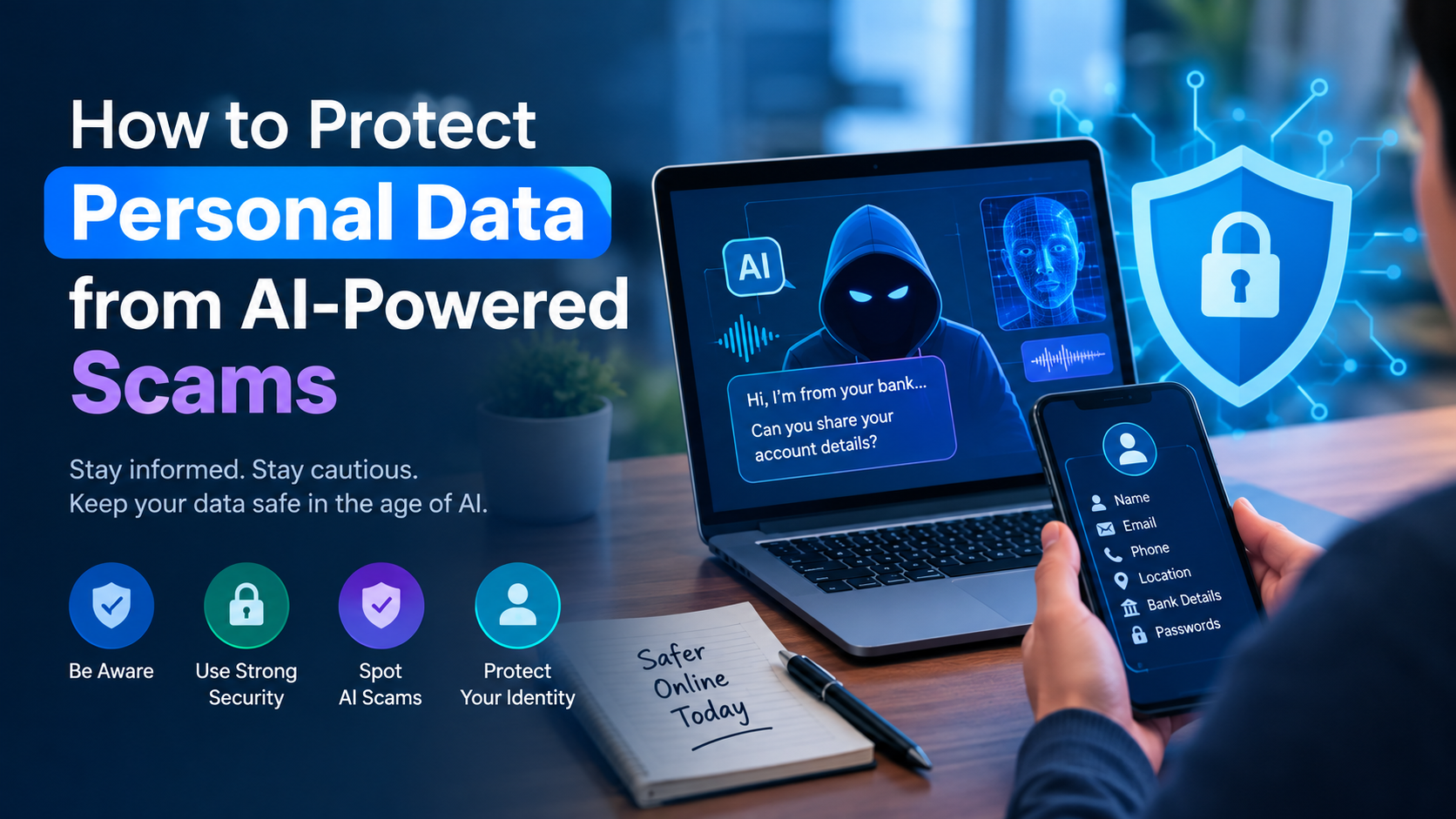
For years, identifying a digital scam was relatively straightforward. Malicious emails were riddled with grammatical errors, urgent requests for wire transfers came from unknown overseas numbers, and fraudulent websites looked visibly unpolished. The barrier to executing a sophisticated, personalized attack was simply too high for the average cybercriminal.
That barrier no longer exists. The commoditization of generative artificial intelligence has fundamentally altered the cybersecurity landscape. Today, scammers do not need to speak perfect English, understand complex coding, or hire voice actors. They only need access to off-the-shelf AI tools to generate hyper-realistic audio, video, and text. The result is a surge in AI-powered scams that bypass traditional spam filters and easily deceive even highly vigilant individuals.
Understanding how these technologies are deployed against consumers—and more importantly, how to harden your personal security practices—is now a mandatory survival skill in the digital economy.
The Anatomy of an AI-Generated Attack
To defend against modern social engineering, it is necessary to understand how the tools are being weaponized. Scammers are combining several AI capabilities to create multi-vector attacks that exploit human trust.
Synthetic Voices and Audio Cloning
Voice cloning is perhaps the most visceral of the new threats. Using only a few seconds of publicly available audio—pulled from a TikTok video, a podcast, or a professional voicemail greeting—attackers can train an AI model to replicate a person’s voice with astonishing accuracy. They then use text-to-speech software to make the synthetic voice say whatever they type.
The typical deployment is the “emergency call.” A victim receives a call that sounds exactly like their child, spouse, or colleague claiming to be in distress—perhaps arrested, in a car accident, or stranded—and in urgent need of funds transferred via cryptocurrency or digital payment apps. The emotional panic induced by recognizing the voice overrides the victim’s critical thinking.
Hyper-Personalized Text Generation
Traditional phishing relied on the “spray and pray” method: sending millions of generic emails hoping a fraction of a percent would click. Large Language Models (LLMs) have enabled “spear phishing at scale.”
Scammers feed an AI tool data scraped from your LinkedIn profile, public social media, or data breach leaks. The AI then drafts an impeccably written, contextually accurate email. It might reference your recent promotion, mention your boss by name, and adopt the exact corporate tone of your company’s HR department, asking you to click a malicious link to update your payroll details or log into a fake customer-support portal.
Deepfake Video and Visual Manipulation
While still more resource-intensive than text or audio, real-time video deepfakes are increasingly utilized in high-stakes identity theft and corporate fraud. Scammers superimpose the digital likeness of a trusted individual over their own face during live video calls. They use this to bypass biometric security checks, authorize fraudulent wire transfers, or trick employees into handing over sensitive corporate or personal data.
Why Traditional Defenses Are Failing
The core problem with AI-powered scams is that they exploit human psychology rather than software vulnerabilities. They are designed to trigger fear, urgency, or authority. Traditional security advice—like “look for typos” or “check the sender address”—is largely obsolete when the text is grammatically flawless and the sender address has been convincingly spoofed.
When the sensory inputs we rely on to verify reality (a familiar voice or face) can be synthesized, humans can no longer act as the primary firewall. Defense must shift from relying on human detection to relying on strict operational security habits and technical barriers.
Building Your Personal Security Perimeter
Protecting your personal data in 2026 requires assuming that any unsolicited communication could be synthetic. Your defense strategy must be proactive, focusing on making your data harder to access and your identity harder to exploit.
Re-evaluating Password Strategies
If a scammer successfully tricks you into handing over a credential, the damage should be isolated to a single account. This is only possible if you practice absolute password uniqueness. Using the same password for your banking portal and your fitness app means a breach in the latter completely compromises the former.
A reputable password manager is no longer optional. It generates complex, unique strings for every service and automatically fills them, meaning you cannot be tricked into typing your password into a visually identical, AI-generated fake website—the password manager simply won’t recognize the URL.
The Absolute Necessity of Multi-Factor Authentication
Multi-Factor Authentication (MFA) is the single most effective technical barrier against credential theft. Even if you inadvertently hand over your username and password to an AI-driven phishing site, the attacker cannot access the account without the second factor.
However, the method of MFA matters. SMS-based verification is increasingly vulnerable to SIM-swapping attacks. Transitioning to authenticator apps (like Authy or Google Authenticator) or hardware security keys (like YubiKey) provides a significantly more robust layer of defense that cannot be easily intercepted remotely.
Securing Your Hardware and Software Infrastructure
While behavioral changes and credential management form the core of your defense, the devices you use must also be fortified. AI-powered malware is increasingly capable of identifying and exploiting zero-day vulnerabilities in outdated software before security patches are widely distributed.
To defend against this, ensure that automatic updates are enabled across all your devices—including your smartphone, laptop, home router, and smart home appliances. Operating system updates frequently contain critical security patches that close the exact vulnerabilities scammers rely on to deploy malicious payloads. Additionally, utilizing modern endpoint protection (antivirus software) that relies on behavioral analysis rather than just signature matching can help detect AI-generated malware that attempts to steal personal data in the background.
Managing Your Digital Footprint
AI models require training data to clone your voice or personalize a phishing attack. The less data available, the harder you are to target. Conduct a regular audit of your digital footprint. Lock down the privacy settings on your social media accounts so they are only visible to actual connections. Be highly selective about posting high-quality audio or video of yourself on public platforms.
The Verification Habit: A Behavioral Shift
Technical defenses are essential, but the ultimate vulnerability remains human action. Preventing AI-powered scams requires adopting a new behavioral baseline: “Verify before you trust.”
Establishing Safe Words
For the threat of voice cloning and emergency scams, families and small business teams should establish a verbal “safe word.” If you receive a frantic call from a family member asking for money, ask for the safe word. If they cannot provide it, hang up immediately and call them back on their known, saved phone number.
The “Hang Up and Call Back” Rule
If you receive a call from your bank, the IRS, or a customer support representative warning of fraudulent activity, never provide personal data on that call. Hang up the phone. Look up the official customer service number on the institution’s verified website, or on the back of your bank card, and initiate the call yourself. The same applies to emails: never click the link in a “security alert” email; instead, manually type the web address of the service into your browser to check your account status.
What to Do When the Perimeter is Breached
Even with strict precautions, the sophistication of modern scams means breaches can happen. Speed is the critical factor in minimizing the damage of identity theft or data exposure.
If you suspect you have engaged with a fraudulent AI scam, immediately sever contact. Do not attempt to negotiate or confront the scammer. Log into any potentially compromised accounts from a separate, clean device and change the passwords. Contact your financial institutions to freeze accounts or issue new cards. Finally, place a fraud alert or credit freeze with the major credit bureaus to prevent the scammer from opening new lines of credit using your stolen data.
The era of AI-powered scams requires a permanent shift in how we interact with digital communications. By combining robust technical security tools with a healthy dose of behavioral skepticism, you can build a resilient defense against the next generation of online fraud.
Frequently Asked Questions (FAQs)
1. How can I tell if a voice on the phone is an AI clone?
AI voice clones are incredibly realistic, but they sometimes struggle with natural inflection, breathing sounds, or responding dynamically to unexpected questions. However, because detection is so difficult, the best defense is to hang up and call the person back on their known, saved phone number to verify their identity.
2. What is the safest form of Multi-Factor Authentication (MFA)?
Hardware security keys (like a YubiKey) are the safest form of MFA because they require physical possession of the device. The next best option is an authenticator app. SMS text messages are the least secure form of MFA due to the risk of SIM-swapping, though they are still vastly better than having no MFA at all.
3. Can scammers use AI to bypass biometric security like facial recognition?
Yes, sophisticated scammers are increasingly using real-time video deepfakes to attempt to bypass facial recognition systems or to conduct fraudulent video interviews. While financial institutions continually upgrade their liveness detection software to combat this, visual verification over a screen is no longer a guarantee of identity.
4. Why is a password manager better than memorizing a complex password?
A password manager allows you to use a completely unique, cryptographically secure password for every single account, which is impossible for a human to memorize. Furthermore, a password manager will refuse to auto-fill your credentials on a fake, AI-generated phishing site because the URL will not match its database, protecting you from sophisticated spoofing.
5. What should I do if I accidentally click a link in a highly personalized phishing email?
If you click a malicious link, disconnect your device from the internet immediately to halt any potential malware downloads. Run a comprehensive antivirus scan. If you entered any information on the site before realizing it was a scam, use a different device to immediately change the passwords for any affected accounts and enable MFA.
[…] internet censorship. In an era of pervasive digital surveillance, learning proactive strategies for protecting your personal data online has become a fundamental digital […]